
Nothing required to start
Open the site in Safari, Chrome or any modern mobile browser and the lobby loads. There is no installation step between you and the games.
The account you open on a laptop is the account you open on a phone. Balance, favourites, rewards and round history follow you, because all of it lives on the casino rather than on the device. This page covers how mobile play is set up and what to check before the first session away from a desktop.
The casino is built to run in a browser, and the mobile layout is a version of the same site rather than a stripped down copy of it.
Open the site in Safari, Chrome or any modern mobile browser and the lobby loads. There is no installation step between you and the games.
Navigation collapses into a menu, game grids drop to two columns and the game window takes the full width. Controls stay where your thumb can reach them.
Switching from desktop to phone mid-session keeps your balance, favourites and reward progress intact, because none of it is stored in the browser.
The Create Account panel, including the Referral Code field for 15BOOST, appears on mobile exactly as it does on desktop.
Slots and Originals are light. Live dealer tables are video, so they use noticeably more data and benefit from a stable connection.
A browser always loads the current version, so there is no app update to install before a new game appears in the lobby.
A home screen shortcut gives you an icon that opens the casino directly, without typing an address or hunting through tabs.
Use the referral link so the account is created with the code attached: gamdom.com/r/15boost.
The Share button sits in the Safari toolbar. Name the shortcut whatever you like before confirming.
Chrome's three dot menu offers Add to Home screen or Install app, depending on the version you are running.
The shortcut launches the casino in its own window with the browser chrome reduced, which is why it feels closer to an application than a tab.
If the phone is shared, do not save the session. A shortcut that opens straight into a logged-in account is convenient and also a risk.
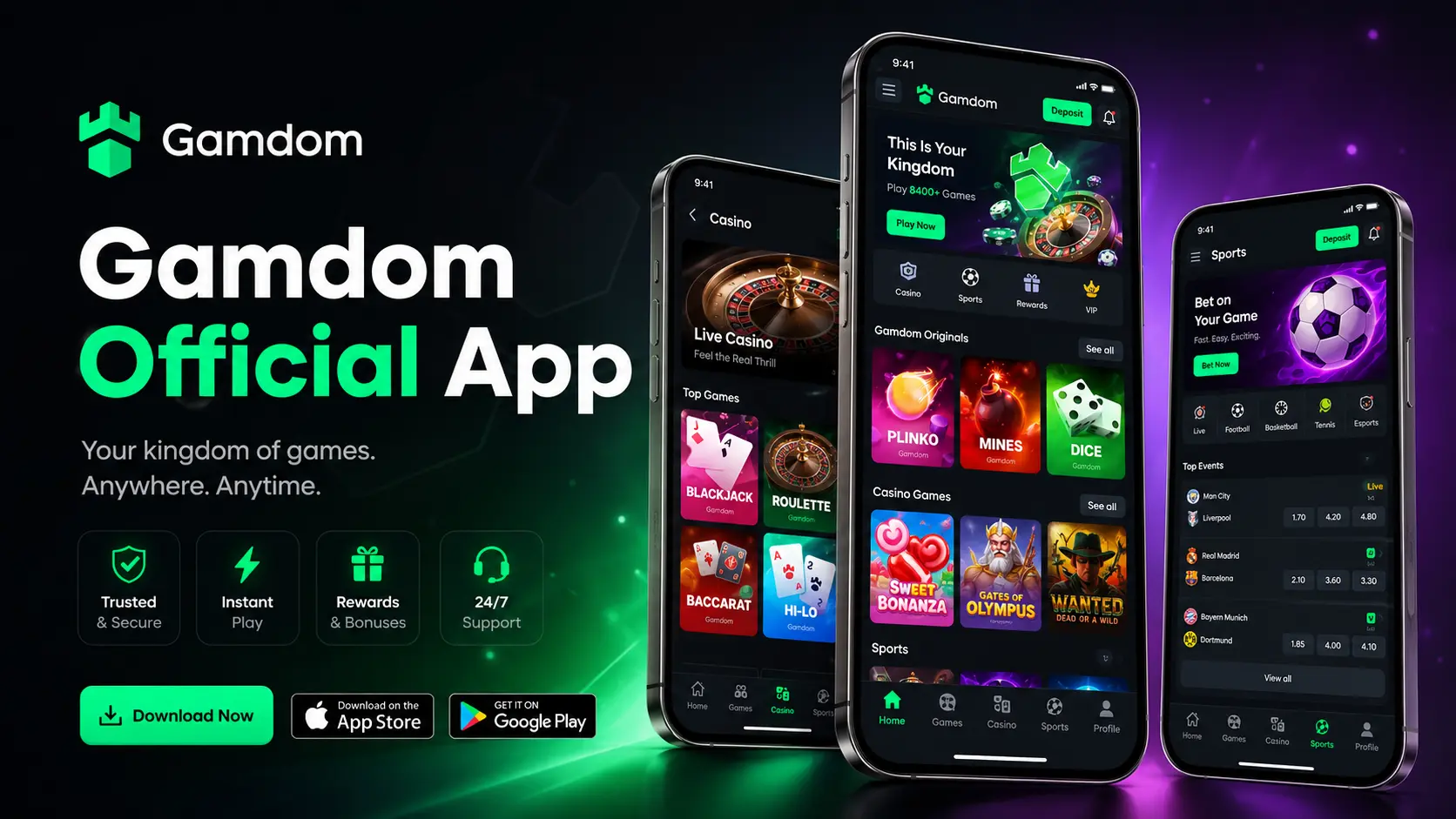
Casino promotional material, including the artwork at the top of this page, is produced by the operator. If a downloadable application is offered for your device and region, the link to it will be published by the casino itself or listed on the platform store for that device. Those are the only places worth installing anything from.
Store policies for real money gambling applications differ by country and by platform, so an application that exists in one region may not be listed in another. The browser route works regardless, which is why this page treats it as the default.
Installation files hosted on random sites are the standard way credentials get stolen. No genuine casino needs you to sideload a package from a forum or a link in a message. If an offer arrives that way, it is not from the casino.
This site is independent and does not distribute software. We will not tell you an application is available for your device, because that depends on the store listings at the time you look. Check the casino directly, then decide.
Modern reel games are built portrait first, so the reels fill the screen and the bet controls sit underneath. The lobby search stays at the top, which is the fastest way to reach a title on a small display.
Open the slots lobby GuideBecause the in-house games were written for the browser, the phone version is the same game rather than a port. Controls stack below the play area and the cash out button stays within thumb reach.
Read the Originals guideMobile sign-in uses the same credentials as desktop, including the social sign-in options shown on the casino's own sign-in panel. Nothing is entered on this site.
A casino password that is reused elsewhere is only as strong as the weakest site it is on. A password manager removes the need to remember it.
If the account settings offer an extra verification step, enable it. It costs seconds at sign-in and removes the most common attack outright.
Browsing a lobby on open wi-fi is one thing. Entering withdrawal details on it is another. Use mobile data for anything involving funds.
Copies of casino sign-in pages exist specifically to collect credentials. Reaching the casino from a saved shortcut or a known link avoids the problem.
A saved session on a borrowed phone is an open account. Sign out deliberately rather than just closing the tab.
No. The casino runs in a mobile browser, and a home screen shortcut gives you an icon without installing a package. If a downloadable application is available for your device and region, the casino publishes it through its own channels.
It is the same lobby and the same catalogue. Individual older titles can behave differently on touch screens, but that comes from the game studio rather than from the casino layout.
Yes. The Referral Code field appears on the mobile sign-up form, and the Special Rewards route works on a phone too. Both are shown on the promo code page.
A bet already accepted is held on the server, so returning to the game shows the result. For a game where you choose when to stop, an interruption can still cost you the timing, which is a good reason to keep stakes small on the move.
Yes. A tablet generally gets the wider layout, so the lobby looks closer to the desktop version while the controls stay touch friendly.
Try the same address on another network first. If one connection works and another does not, the problem is with the network rather than the account. Clearing the cached site data and disabling content blockers for that page are the next two checks worth running.
Register with 15BOOST on whichever device is nearest. The rakeback week follows the account, not the phone.